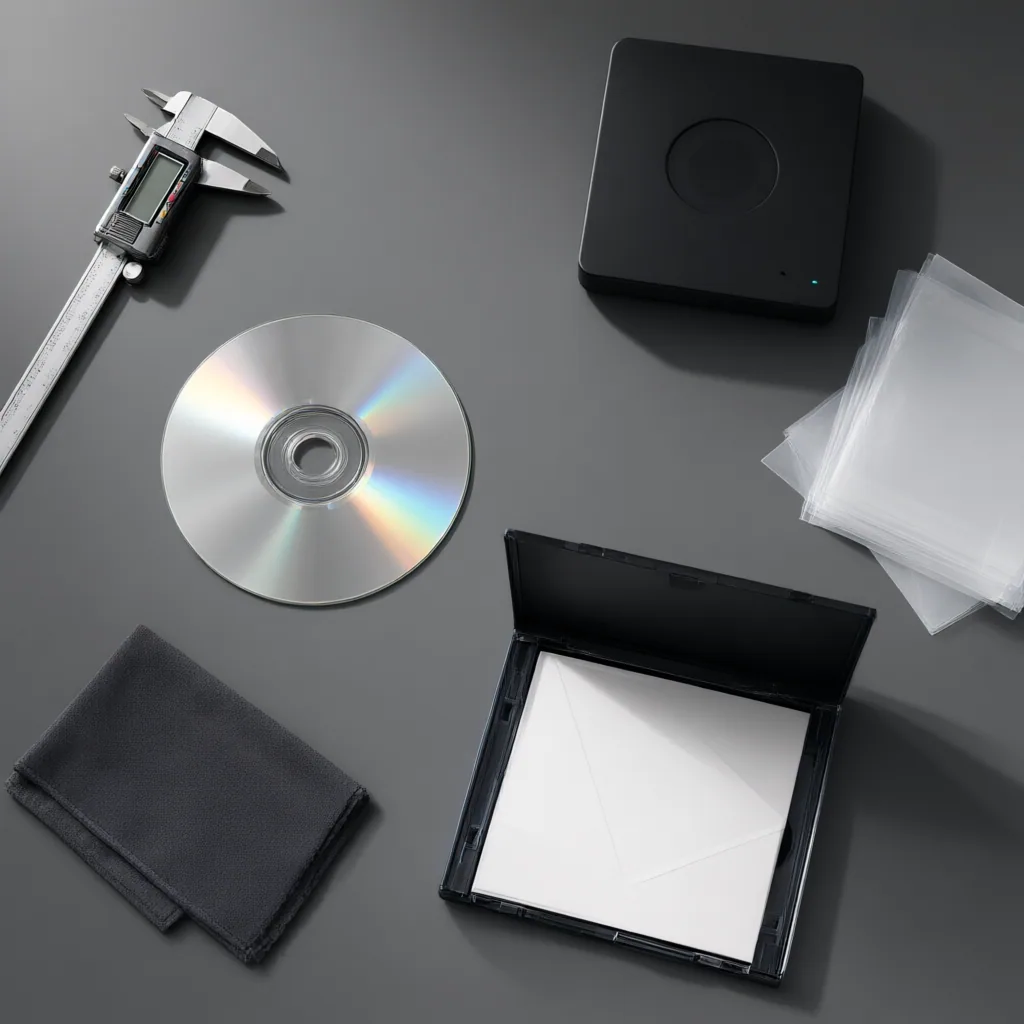
If you are trying to preserve music you already own, the first task is not bypassing protection but understanding what kind of disc you have, what your playback devices can read, and what lawful backup options are available in your region. This guide is for listeners, collectors, educators, and home users who want to keep access to their media without damaging discs, losing metadata, or relying on unsafe software.
How to spot a restricted or copy protected CD
A disc that behaves differently from a standard audio CD often reveals itself through compatibility problems rather than a clear label. You might notice that it plays in a dedicated hi-fi CD player but fails to load correctly in a computer drive, car stereo, or older portable device. Some releases also include extra software sessions, altered table-of-contents data, or packaging language that refers to playback limits, protected content, or computer-use restrictions.
Physical clues can help, but they are not always decisive. Look for statements on the sleeve, tray card, or disc face about restricted copying, limited PC playback, or bundled media software. If the disc appears to contain both audio and data content, that can also signal a non-standard design. When in doubt, treat the disc as a compatibility issue first and avoid installing unknown software just to see what happens.
Why some discs fail in computers but work elsewhere
Many copy protected CDs were created to discourage straightforward digital extraction by changing how the disc presents its sessions or error patterns. That can confuse optical drives and operating systems that expect a conventional Red Book audio layout. The result is inconsistent behavior: one drive may read the disc, another may reject it, and a third may show only part of the content.
This does not necessarily mean the disc is damaged. It may simply be using a format or restriction method that certain drives handle poorly. Before assuming media failure, test with a different known-good player, inspect the disc for scratches or label-side damage, and confirm whether ordinary audio playback still works.
Lawful preservation starts with format, rights, and purpose
Preserving a collection responsibly means separating technical possibility from legal permission. Ownership of a disc does not automatically mean every form of copying is allowed in every jurisdiction. Private backup exceptions, format shifting rules, classroom use, and accessibility needs can differ substantially depending on local law and licensing terms.
A sensible approach is to document what you own, keep original packaging where possible, and check the current legal position before making personal archival copies. For rare material, preservation may also involve lower-risk steps such as careful storage, disc condition notes, and cataloging track information so the collection remains usable even if playback becomes difficult later.
Practical options that do not depend on circumvention
When a disc is hard to read, begin with safe and reversible steps. Clean it with appropriate materials, try a different optical drive, and confirm whether the problem is limited to one computer. Older and newer drives can behave very differently with unusual disc structures. If lawful digital extraction is not practical, analog playback capture, replacement purchases, or licensed digital editions may be the more reliable path.
For libraries, teachers, and accessibility-focused users, the key question is often continuity of access rather than perfect duplication. In that case, maintaining organized notes about edition, track list, ownership, and playback status can be as important as the audio file itself. Good preservation is a workflow, not just a one-time copy attempt.
Choosing software and services carefully
Discs marketed with bundled playback tools are a reminder to be cautious. Avoid installing outdated disc utilities from unknown sources, especially on a modern system with important data on it. Unsupported software can create security risks, unstable drivers, or poor metadata handling without solving the reading problem.
Prefer trusted media applications, built-in operating system tools, and current documentation from reputable vendors or archives. If a disc remains unreadable, professional transfer or conservation advice may be more useful than repeated experiments that increase wear on the disc or drive.
Disc restrictions sit at the intersection of audio formats, computer compatibility, and media rights. Understanding that boundary helps you make better decisions about preservation, playback, and lawful access over time.