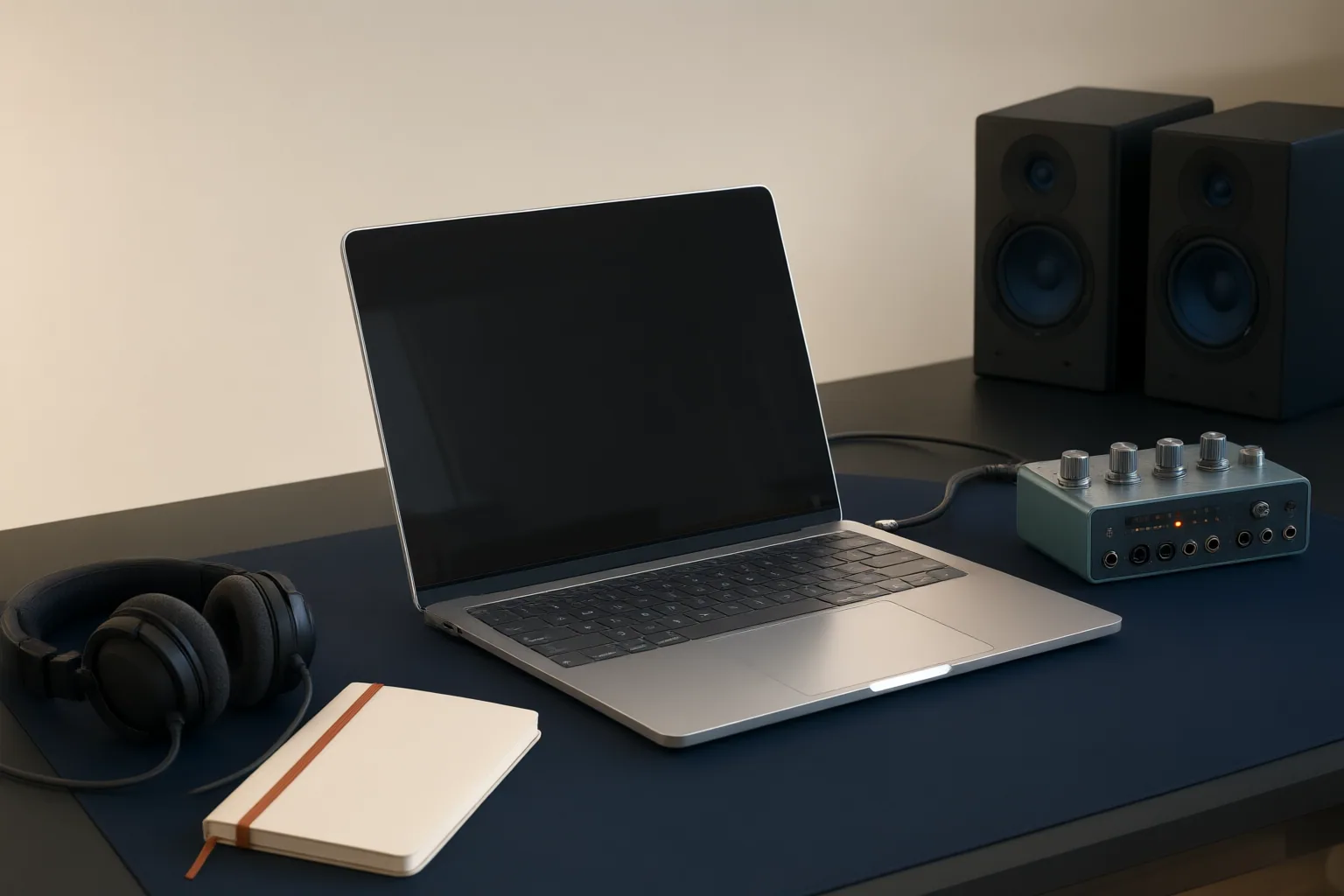
A MacBook should be evaluated as one part of a recording system, not in isolation. Start by defining where you will record, then verify the computer’s ports, connection protocols, macOS compatibility, required software, input and output counts, and monitoring workflow before buying.
Start With the Recording Workflow
Begin with the sessions you actually plan to run. Decide whether the computer will remain in a home setup, travel between recording locations, or serve both roles. The available Mac catalog includes desktop and portable categories, while MacBook Air is presented in two portable sizes. That range makes portability a useful first filter, but the supplied evidence does not support performance comparisons among particular MacBook models, processors, memory configurations, or batteries.
Map the rest of the recording system at the same time. Identify the audio interface and every microphone, instrument, headphone, monitor, and line-level device needed for a typical session. A portable computer is only a workable recording choice when its connections and supported software match that system. Avoid choosing a specific MacBook on portability alone and assuming the interface will work afterward.
Check Ports, Protocols, and macOS Compatibility
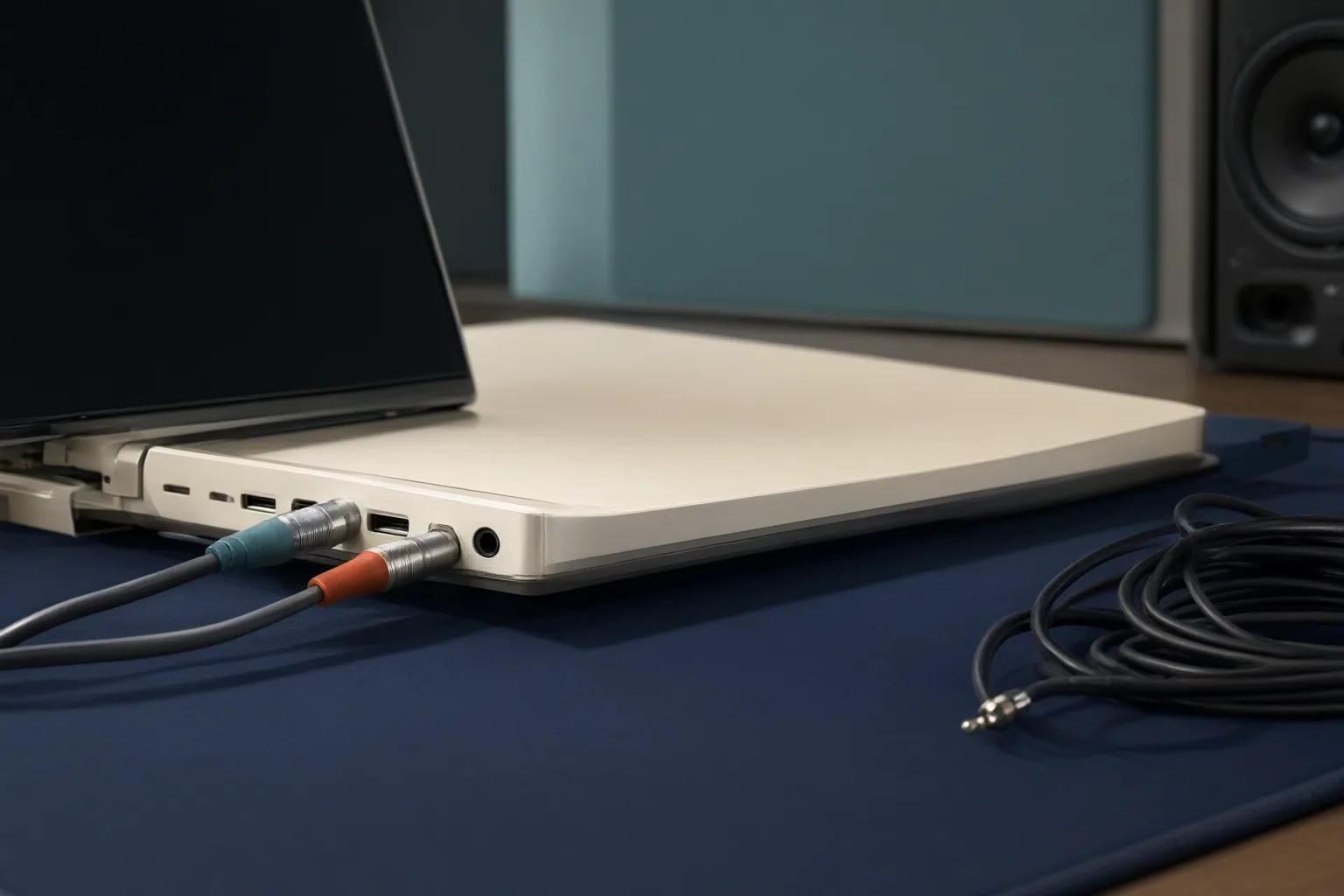
For each candidate computer, record the exact MacBook model, its available ports, and the macOS version you expect to use. Then compare those details with the audio-interface manufacturer’s current Mac compatibility information. Confirm the required connection protocol as well as the physical connector.
This distinction matters because a USB-C-shaped connector does not, by itself, prove that the computer and interface use a compatible USB or Thunderbolt protocol. A plug that fits is therefore not sufficient evidence that the recording system will communicate correctly. Check whether the intended setup requires a particular cable, protocol, or other supported connection rather than relying on connector appearance.
Software support deserves a separate check. Some interfaces can operate in a class-compliant mode, while others depend on supported drivers, control software, or installation permissions. Verify support for the exact MacBook and macOS combination before purchase, and repeat that check before a major operating-system change. Current manufacturer documentation should be the deciding reference because compatibility can depend on the specific hardware and software involved.
Count Inputs, Outputs, and Monitoring Needs
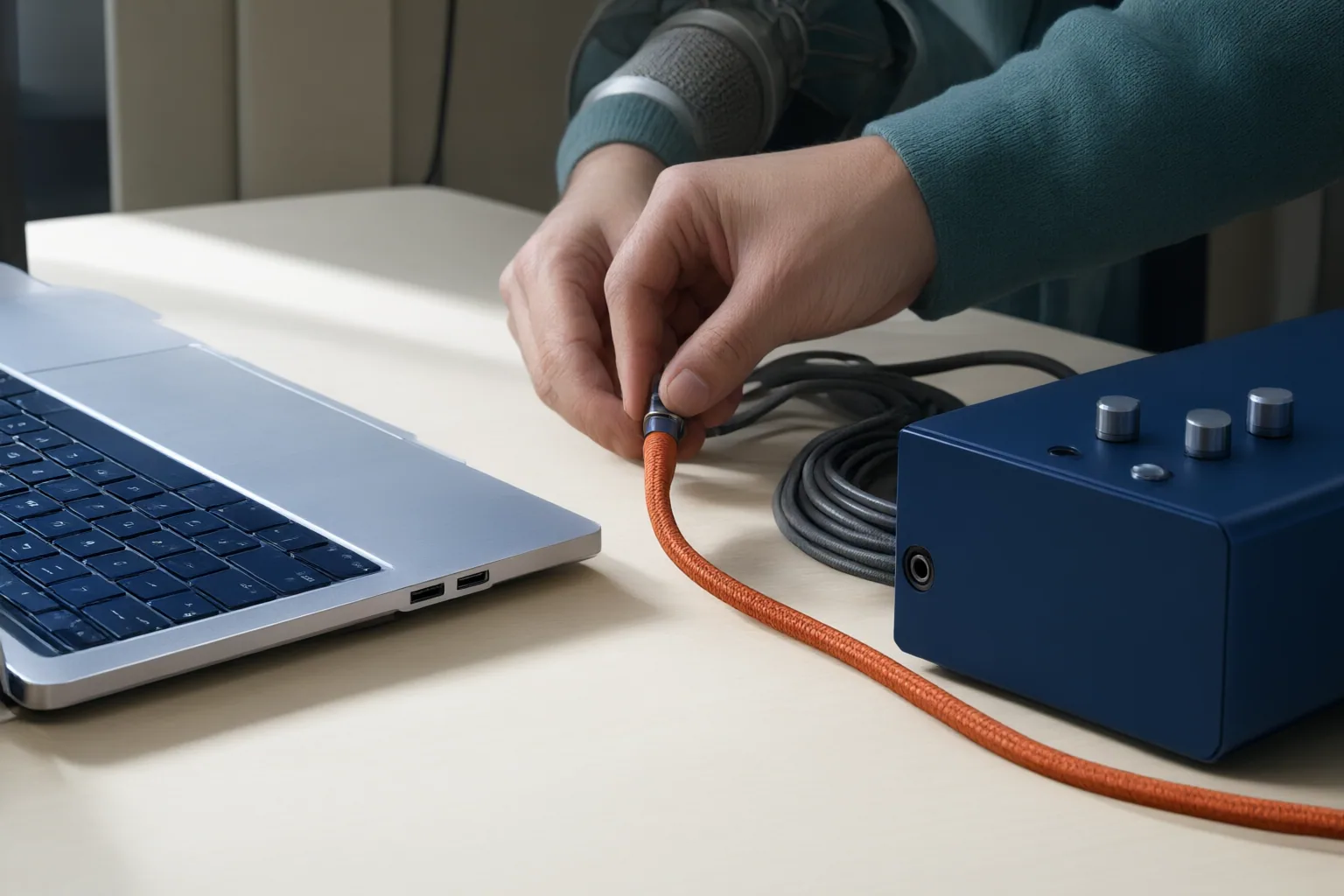
Count the sources that must be recorded simultaneously, not the total number you might use across an entire project. List microphone, instrument, and line inputs separately. A solo spoken-word session may have different connection needs from a session involving several microphones or instruments, but the important test is whether the interface can accept the required simultaneous sources.
Next, count outputs independently. Include every headphone feed and monitor output the session requires instead of assuming that a sufficient input count also provides sufficient monitoring connections. This is especially important when more than one person needs to listen during recording.
Direct monitoring can route an input to the listener without making a software round trip. It can be useful when planning the monitoring path, but it does not remove every form of latency associated with a DAW or networked workflow. Treat it as one monitoring feature rather than a complete latency guarantee.
Do not use maximum sample rate as the sole measure of recording suitability. Microphone placement, gain staging, room sound, and monitoring controls also affect the workflow. Confirm basic compatibility and connection capacity before giving weight to headline specifications or bundled software.
Conclusion
Choose from the workflow outward. First decide whether portability is essential. Then list every simultaneous microphone, instrument, and line source, followed by the required headphone and monitor outputs. For each shortlisted setup, verify the exact MacBook model, ports, macOS version, connection protocol, and interface software requirements against current manufacturer information.
Before buying, turn that list into a written checklist and confirm every item for the specific MacBook and audio interface combination you intend to use.
Disclosures and limitations
- This article was prepared with AI assistance using only the supplied retailer catalog and recording-interface guidance. The catalog does not establish current US pricing or availability, and compatibility should be confirmed with current manufacturer documentation.
- No specific product is recommended here. One underlying source contains affiliate disclosures and recommendations; readers should consider that commercial context, and any future affiliate links should be clearly identified.
Related reading
- Recording Guides for Musicians, Podcasters, and Producers
- How to Set Recording Gain for Quiet Passages and Sudden Peaks
Sources
- Apple Mac — iSTYLE.cz
- Which Audio Interface For MacBook? – ATPrecordings. — atprecordings.com