Compact discs still matter anywhere reliable playback, permanent distribution, or personal archiving are part of the listening experience. If you buy used albums, burn reference discs, or maintain an older hi-fi or studio setup, it helps to know which disc types are interchangeable, which are not, and how handling affects long-term usability.
How a compact disc stores audio and data
A CD is an optical disc read by a laser that follows a spiral track from the center outward. What matters in practice is not only the physical disc, but also the format written to it. An audio CD follows the Red Book standard used by dedicated CD players. Data discs, mixed-mode discs, and later writable formats may look similar, yet they depend on different file structures and player compatibility.
Pressed commercial discs are manufactured from a master and then replicated in volume. Recordable discs use a dye layer that a burner changes during writing, while rewritable discs use a phase-change material that can be erased and written again. That difference is why some older players read factory-pressed albums perfectly but struggle with burned media.
The main CD formats worth knowing
The most familiar format is the standard audio CD, intended for music playback in standalone players, car stereos, and computer drives. CD-ROM was developed for software and general computer data. CD-R allows one-time recording and remains useful for music masters, simple backups, and compatibility with many legacy devices. CD-RW supports rewriting, but it is less universally readable.
You may also encounter MP3 or data CDs that hold compressed audio files rather than traditional audio tracks. These can store more music, but only on equipment that explicitly supports file-based playback. The label on the front panel matters here: a device that reads audio CDs is not automatically able to browse folders or decode compressed formats.
Recording choices that affect compatibility
When burning a disc, the first decision is whether the target device expects an audio CD or a data disc. For maximum compatibility with older home and car players, authoring a true audio CD is usually the safer route. A data CD filled with audio files may work in a computer and fail in a conventional transport.
Disc quality, burner condition, and writing speed also influence results. Extremely high burn speeds can increase the chance of marginal writes on some media and drives, while very low speeds are not always ideal on modern burners either. The practical goal is a clean write verified by the software and tested on the equipment you actually use.
Finalizing the session is another common issue. Some players will not recognize a disc that was left open for additional sessions. If the disc is meant for broad playback rather than incremental storage, closing it properly is usually the better choice.
Why some discs fail even when they look fine
Playback problems are not always caused by scratches. Fingerprints, label-side damage, low-reflectivity media, poor burner calibration, or simple format mismatch can all be responsible. The label side is especially important because the reflective layer sits close to that surface; a deep scratch there can be more serious than a light mark on the clear underside.
If a disc skips or refuses to load, check the obvious factors first: is it a CD-R or CD-RW, was it authored as audio or data, and is the player known to support that disc type? Many apparent hardware faults turn out to be compatibility problems.
Handling and storage that extend disc life
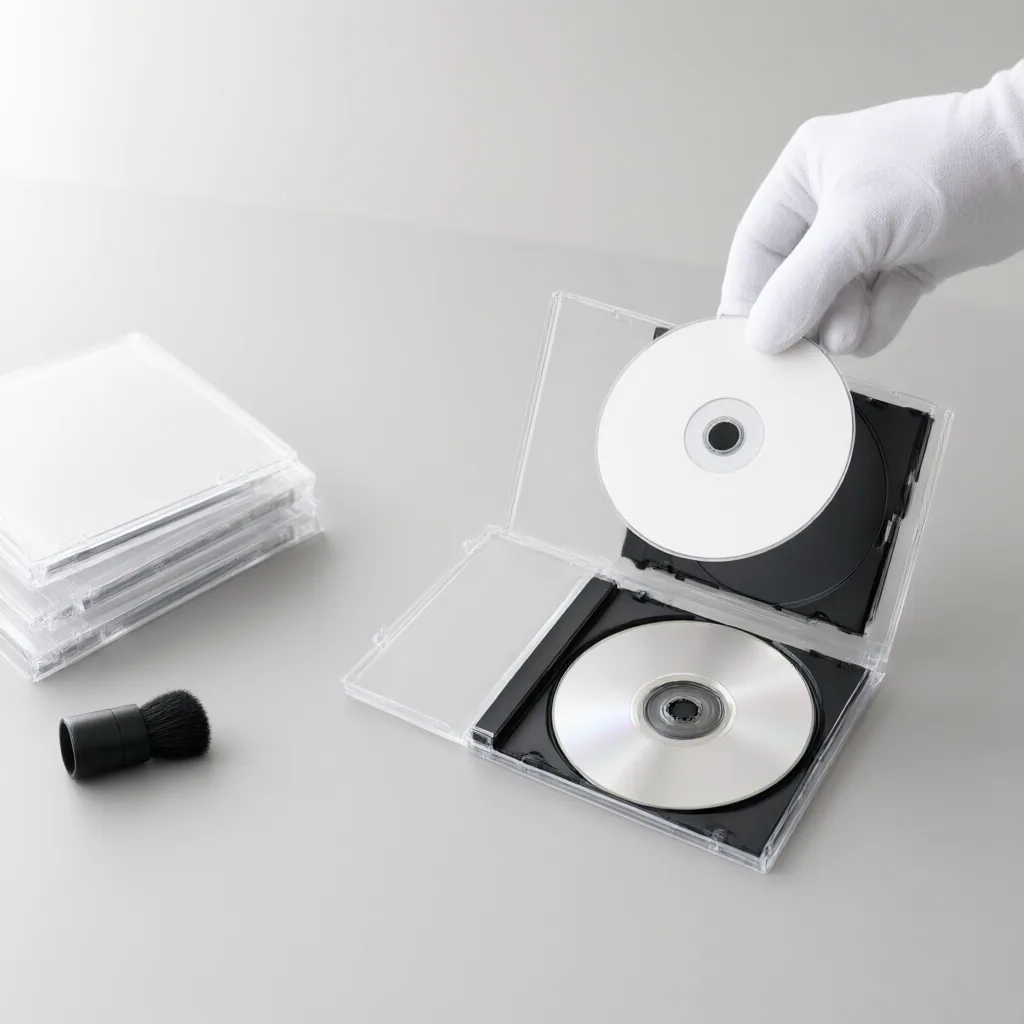
Hold discs by the edges or the center hole, store them vertically in cases, and keep them away from heat, direct sunlight, and dirty environments. Clean only when needed, using a soft lint-free cloth wiped straight from the center outward rather than in circles. That motion is less likely to follow the track and interfere with reading.
Adhesive paper labels can unbalance a disc or age poorly, so a water-based marker on the hub area is the safer way to identify it. For important recordings, keep more than one copy and test them occasionally. Good disc care is less about perfection than about reducing avoidable stress on media you may want to read years later.